

Introduction: Direct bookings come from removing friction When travelers land on your site, they want three things: a quick sense of place, a clear reason to stay with you, and an easy path to book. Hotel booking website development aligns design, copy, and engineering so those expectations are met in seconds—especially on mobile. That means sub‑2.5s loads on critical pages, decision‑first content, transparent pricing and policies, and a checkout that never forces guests to repeat work. Done well, you’ll lift direct bookings, reduce dependence on OTAs, and build a system you can improve every month.
First five seconds: establish context, value, and a single action Concise answer: In the first viewport, a guest should learn where you are, why stay here, and how to book—without scrolling.
- Hero discipline: one truthful photo with real lighting (not over‑processed). Show a representative room or a defining on‑property scene. Avoid wide‑angle distortion that misleads.
- Value line: one sentence in plain language that states location and differentiation (for example, “Waterfront rooms five minutes from the historic district—parking and breakfast included.”).
- Single primary CTA: Check Availability. Keep secondary options (Explore Rooms, View Offers) as quiet text links so they don’t compete with the booking action.
- Micro‑proof: a small ratings badge or short, specific quote near the CTA. Proof near action beats a generic Reviews page far away.
Information architecture that mirrors guest decisions Concise answer: Structure pages around how travelers evaluate a stay and link them in ways that shorten the path to booking.
- Rooms & Suites: group logically (view, size, family, accessible). Provide a simple compare view—occupancy, bed type, core amenities, price. Use anchors so guests can jump within the page.
- Offers & Packages: organize by season and intent (romance, family, business). State inclusions and blackout windows clearly. Link each offer to eligible rooms with consistent pricing.
- Experiences: separate on‑site (dining, spa, pool) from nearby highlights (landmarks, trails, venues). Add distance/time and whether reservations are recommended.
- Location & Access: maps, parking, transit, rideshare pickup, and time from key hubs. Practical info here prevents support emails and checkout abandonments later.
- Policies: surface pets, kids, parking, deposits, cancellations on room pages and in cart summaries, not only in legal footers.
Room pages that help guests decide without calling the front desk Concise answer: Replace adjectives with specifics; present honest visuals; keep the booking action in view.
- Specifics that matter: size (sq ft/m²), bed type, occupancy, view, standout amenities (balcony, kitchenette), accessibility features. If breakfast, parking, or Wi‑Fi are included, say so in one line.
- Photography standards: six to ten photos per room—wide, detail, bathroom, view, and a night/evening shot. Order consistently across rooms so visitors don’t relearn the gallery each time.
- Micro‑copy: one or two crisp sentences on what makes this room the right choice (for example, “Our quietest king room with skyline view and blackout curtains—ideal for business travelers.”).
- Upgrade path: show a clear step‑up (view, space, club access) with the price delta. Avoid vague “premium” labels that don’t signal value.
Pricing transparency and policy clarity Concise answer: Hidden surprises kill conversion; show total cost and rules early.
- Price presentation: “From” rates before date selection; total stay cost with clear inclusive or exclusive tax labels after dates are set.
- Fees and deposits: expose resort or facility fees, parking charges, and deposit policies before checkout; keep them visible in a cart sidebar.
- Cancellation policy: human‑readable summary on room pages and cart, with a link to full terms. Consistent language reduces calls and chargebacks.
Booking engine integration depth: from iframe to native Concise answer: The deeper the integration, the more control you have over responsiveness, transparency, and analytics.
- Embed or redirect (baseline): fast to ship, weakest UX, limited analytics; calendars often feel slow and disconnected from the site.
- Light API: preloaded availability windows, native‑feeling calendar, and faster rate display; better analytics on searches and step‑level drop‑offs.
- Deep API: full control over calendar, room compare, and cart UI, with packages, upsells, loyalty hooks, and robust error states. Requires engineering rigor but pays off in conversion and data fidelity.
- Must‑have behaviors: instant feedback on date or guest edits; no resets when changing room or occupancy; smart sold‑out messaging with alternatives (date nudges or similar rooms); mobile wallets; and saved progress.
Mobile-first performance engineering Concise answer: Most research happens on phones. Treat speed like design.
- Core Web Vitals in the field: target sub‑2.5s LCP on home, room, and booking pages; keep CLS stable; shorten main‑thread long tasks by deferring non‑critical JS.
- Image pipeline: AVIF/WebP, responsive srcset, prioritized hero, and lazy‑load galleries. Cap hero sizes; avoid heavy autoplay video above the fold.
- Script budgets: minimize JS bundles; eliminate dead libraries; defer third‑party widgets; use server‑rendered templates for core content.
- Network strategy: preconnect to CDNs and engine domains; compress assets; set cache rules aligned to inventory freshness.
Conversion research and the smallest fix first Concise answer: Instrument the funnel, find the biggest leaks, and test small changes before large rebuilds.
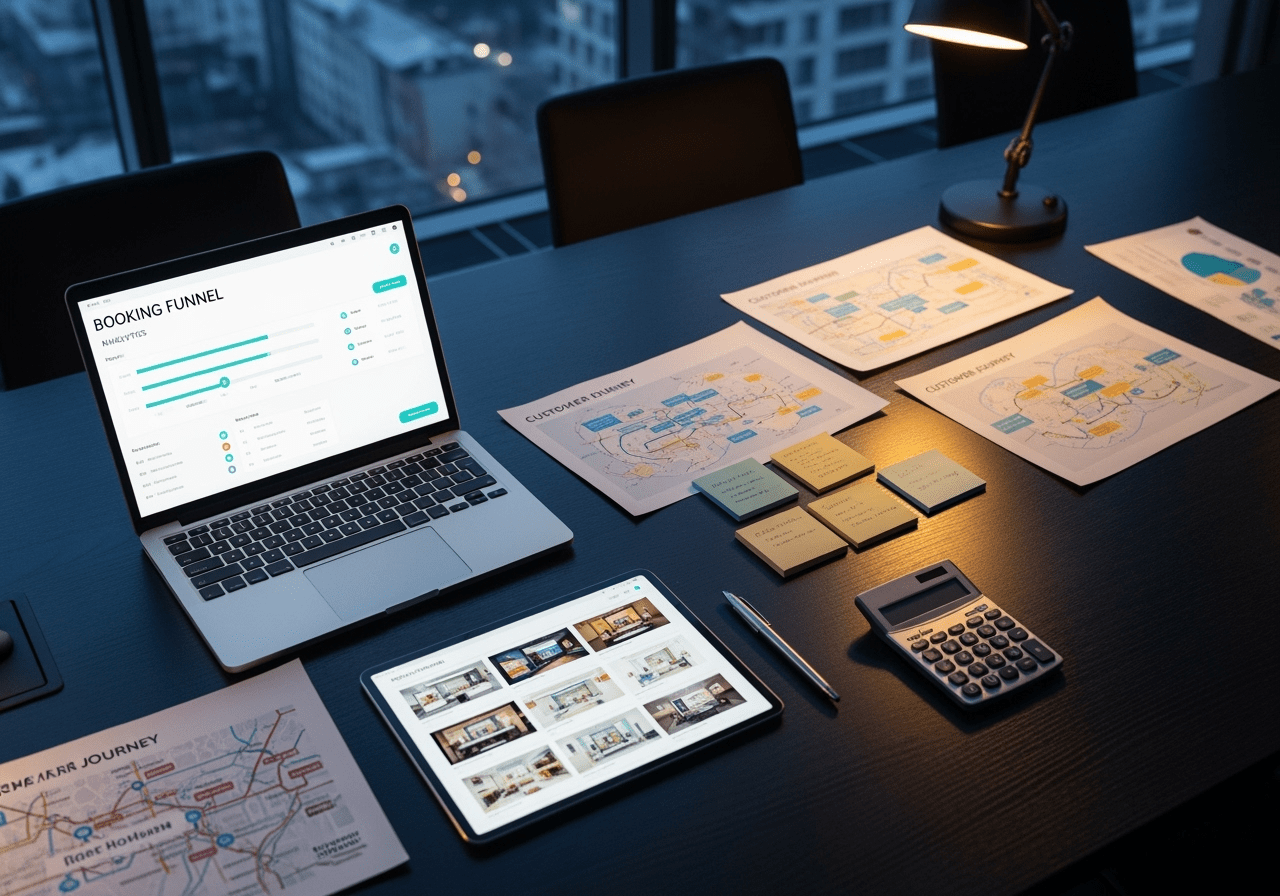
- Events to track: availability searches, room detail views, add‑to‑cart, each checkout step, successful bookings, and all error types (validation, payment).
- Segment by device and geo: issues are often mobile‑specific or vary by network quality.
- Research inputs: session replays (watch where users stall), on‑page polls that ask “What’s missing?”, and support inbox themes. Insights guide test hypotheses.
- A/B test themes: above‑the‑fold clarity, proof placement, wallet payments vs. card‑only, field reduction, policy micro‑copy, and sticky CTA patterns.
Content that creates desire without overselling Concise answer: Write like a helpful local—direct, specific, and practical.
- Itineraries: “48 Hours in [City]” for core segments (romance, family, culture, business). Link directly to rooms and current offers; show realistic timing.
- Seasonal guides and events: help travelers plan around festivals, sports, or conferences; include parking and transit tips. These pages earn bookmarks and backlinks.
- On‑property features: menus, spa treatments, pool hours, family amenities—kept current and realistic. Stale content erodes trust.
Template vs. custom vs. hybrid: choose the right path for now Concise answer: Launch lean with a path to iterate; not every property needs a full custom build on day one.
- Hotel website templates: fastest to market and budget‑friendly for single properties. Pair with strong copy, current photography, and careful performance tuning.
- Custom builds: best for distinctive brands, complex packages and upsells, multi‑property logic, or strict performance budgets.
- Hybrid approach: template foundation with custom booking UI and a light or mid‑level API integration for calendars, rates, and cart UI—often the best cost‑to‑conversion ratio.
Hotel booking website development cost: where to invest Concise answer: Spend on levers that change decisions—speed, booking UX, authentic media, and analytics—rather than ornamental flourishes.
- Indicative ranges (guidance, not quotes): template or hybrid single property in the lower range; custom single property in a moderate range; multi‑property or group implementations at the higher end due to governance and performance budgets.
- Cost drivers: integration depth with the engine, bespoke components, photography and copy scope, translation or i18n, and QA rigor (performance plus accessibility).
- Savings levers: reusable component libraries, standardized image ingestion, and avoiding bespoke motion unless it improves comprehension.
Payment trust and fraud prevention Concise answer: The payment step is where confidence is won or lost; make it calm, transparent, and resilient.
- Trust signals that matter: visible wallet options (Apple Pay or Google Pay), card logos, and a precise summary of totals, taxes, fees, and cancellation terms beside the pay button.
- Error UX: plain‑language messages that explain what to fix (address mismatch, expired card) and never clear validated fields. Offer a quick switch to wallets or alternative cards.
- Reduce false declines: support strong customer authentication where required, allow a soft‑decline retry path, and consider processor routing if your stack allows.
- Perception design: a minimal checkout with limited distractions and stable totals reduces anxiety and abandonment.
Upsells, loyalty, and post‑booking flows Concise answer: Increase value after commitment moments to avoid depressing conversion.
- Upsells before payment: one or two high‑fit options (parking, breakfast, late checkout). Make decline graceful; don’t bury the main CTA.
- Confirmation page: offer add‑ons (airport transfer, spa slots, dining reservations) with clear pricing. Provide a Manage Booking area to update details or add services later.
- Loyalty: explain benefits in one or two lines; enable post‑confirmation one‑tap join or magic‑link enrollment. Forcing accounts mid‑checkout usually hurts completion.
Accessibility and inclusivity Concise answer: Inclusive design expands your market and reduces legal risk—while improving overall usability.
- Fundamentals: semantic HTML, keyboard navigation, visible focus states, adequate contrast, and descriptive alt text. Label form fields clearly and use meaningful button text.
- Accessible rooms: clearly labeled and bookable without awkward detours. List features precisely and ensure inventory is obvious.
- Media alternatives: captions for videos; transcripts for rich content. Avoid autoplay with sound.
Governance, security, and reliability Concise answer: Operational discipline protects revenue and brand trust.
- Workflow: role‑based permissions and simple content approvals to keep quality high without slowing marketing.
- CI/CD: preview environments, automated checks, and visual regression testing to catch problems early.
- Security: dependency audits, WAF, backups, and tested restore procedures; uptime monitoring and alerting.
- Performance gates: enforce budgets (script size, LCP limits) in the pipeline to prevent regressions from shipping.
Internationalization and localization Concise answer: If you serve international travelers, meet their expectations on language, currency, and time.
- Language: i18n frameworks with locale routing and hreflang. Protect layouts from longer translations.
- Currency and units: explicit currency labels and toggles; metric and imperial clarity. Avoid surprises by keeping totals consistent throughout checkout.
- Local nuance: clarify tipping, VAT or tax handling, and transit norms where useful.
Real‑device QA: test like a traveler Concise answer: Validate on mid‑range phones over variable networks—this is where most decisions happen.
- Device and network mix: test on Android and iOS mid‑range devices, over 4G or 5G and throttled Wi‑Fi. Verify landscape and portrait flows and sticky CTA behavior.
- Flow resilience: change dates, guests, and rooms mid‑checkout; test payment retries and error recovery; ensure saved progress spans tabs or sessions when intended.
- Peak readiness: cache‑warm tests and light load testing ahead of holiday or event spikes.
A practical 90‑day roadmap Concise answer: Launch lean, then improve the highest‑leverage issues quarterly.
- Weeks 1–3: speed budgets, above‑the‑fold clarity, visible fees or policy summaries, sticky mobile booking, wallet payments.
- Weeks 4–6: publish bottom‑funnel pages (landmark or event), tune internal links from guides to rooms and offers, update room photos and copy for specificity.
- Weeks 7–9: reduce checkout fields, refine error messages, verify saved progress, and test proof placement on rooms and cart.
- Weeks 10–12: run A/B tests on headlines and CTAs; optimize image compression; add one itinerary; review analytics; plan next quarter’s improvements.
Conclusion: Practical excellence beats pretty friction Hotel booking website development is an operating discipline: design for decisions, write for clarity, engineer for speed, and measure relentlessly. If your pages tell the truth fast, your prices and policies are transparent, and your checkout treats guests with respect, direct bookings rise—and so does guest satisfaction. Keep the system simple, improve it monthly, and invest where it changes decisions.


